
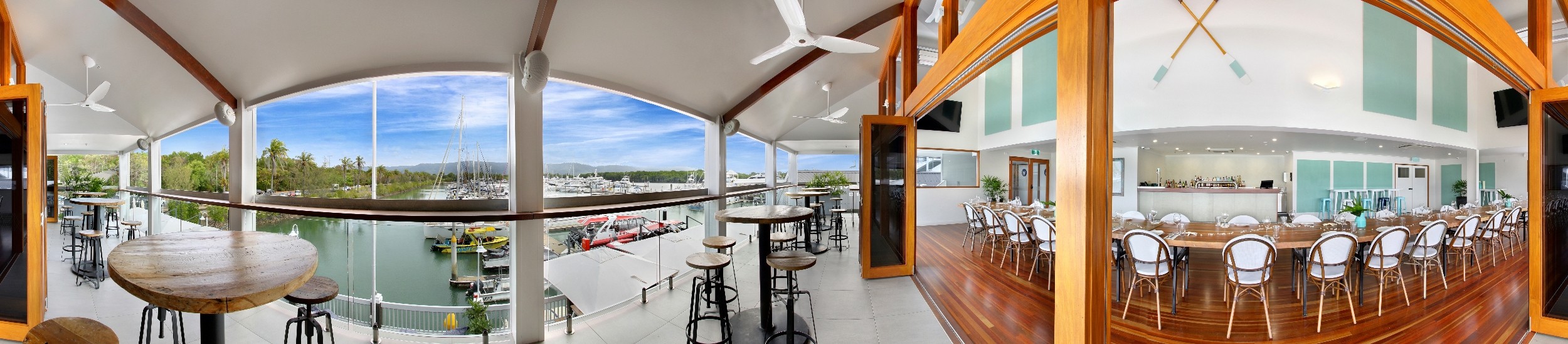
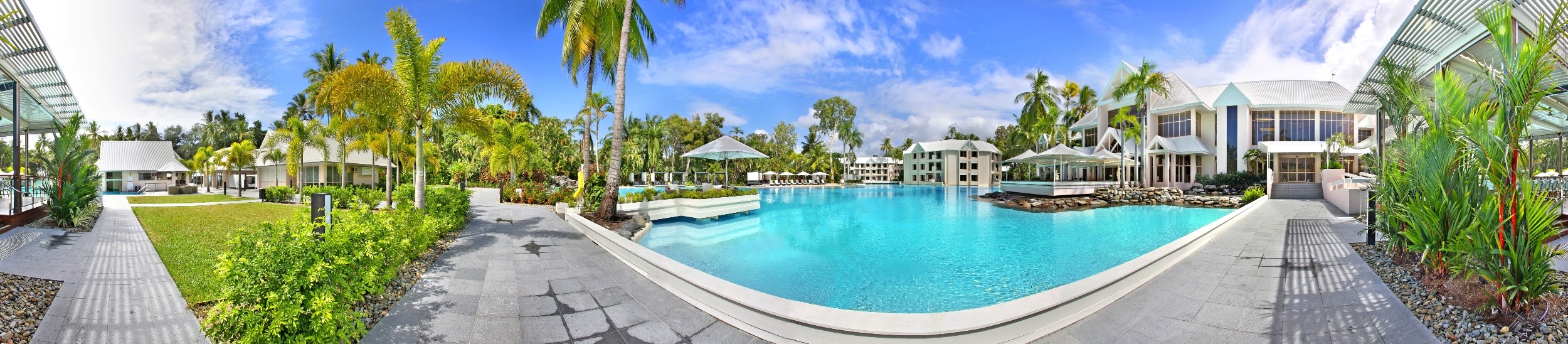
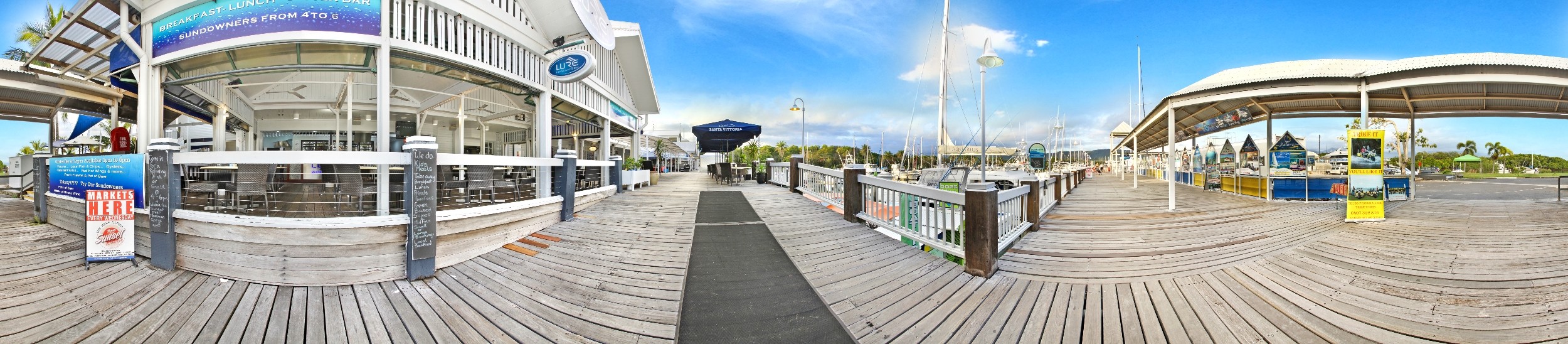
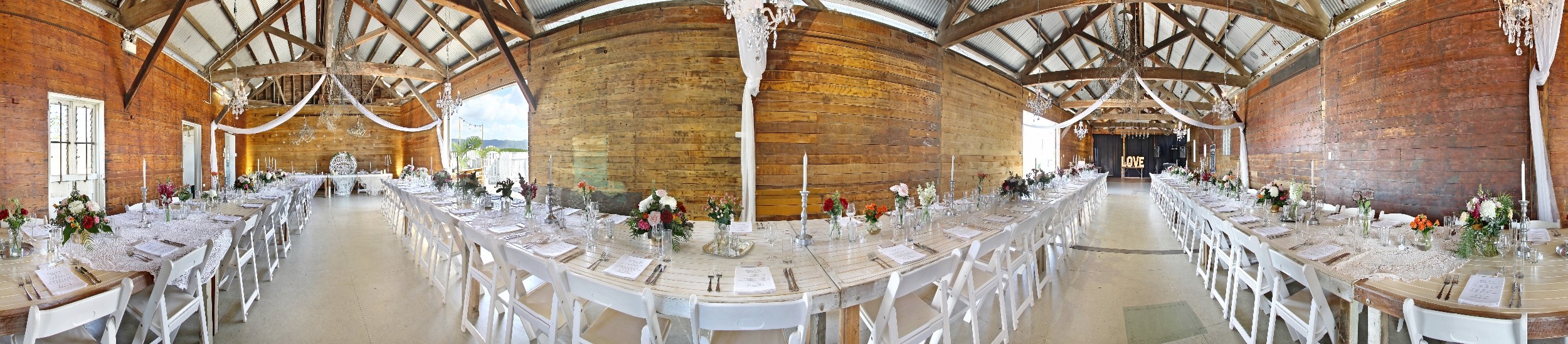
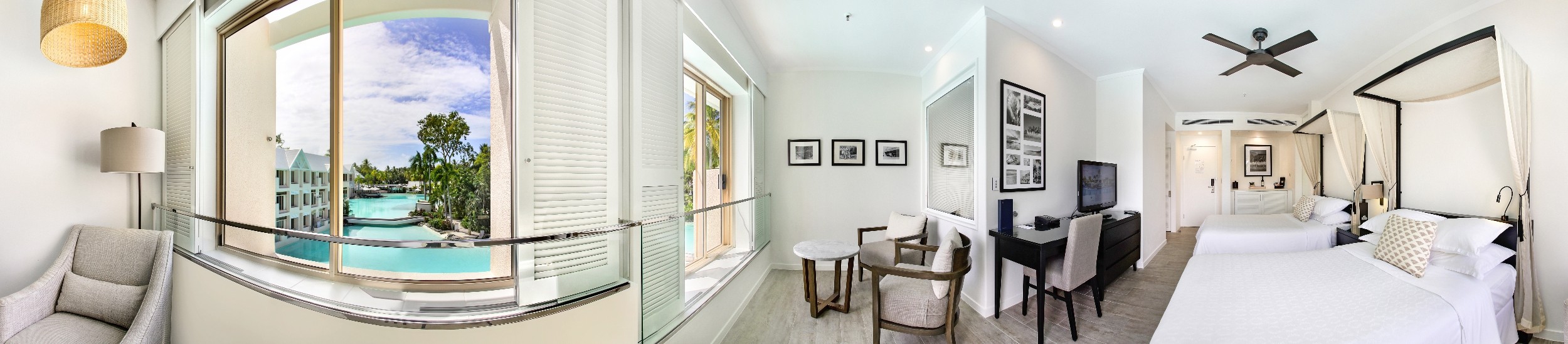
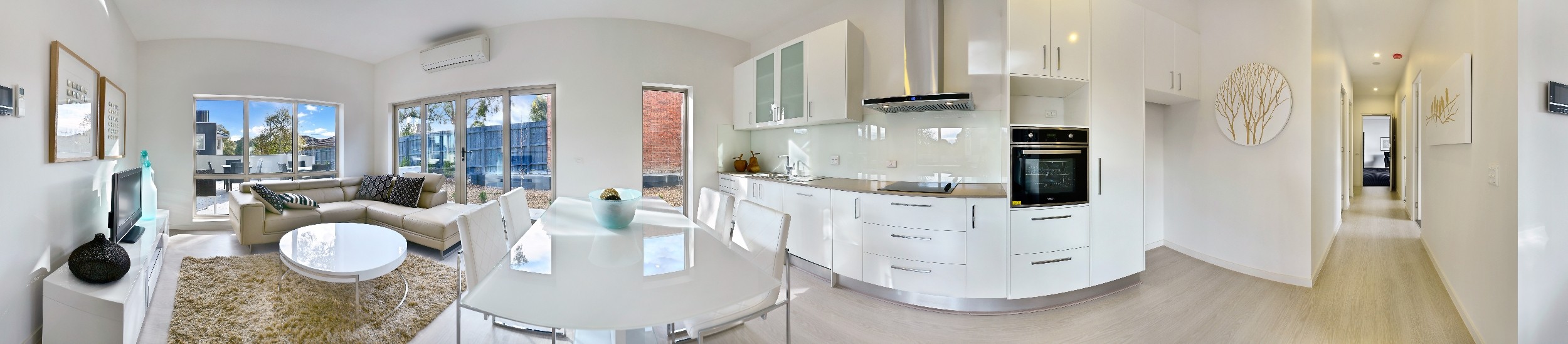
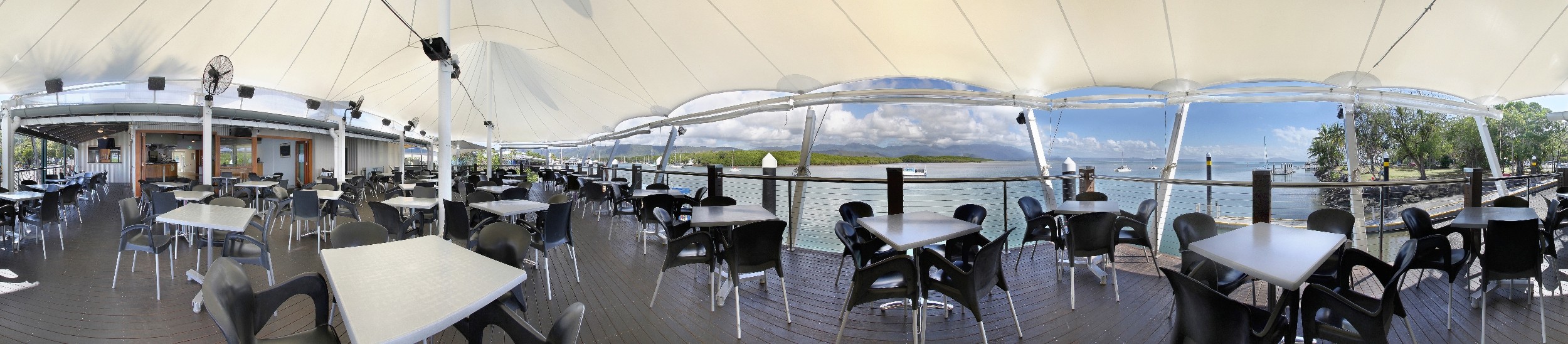
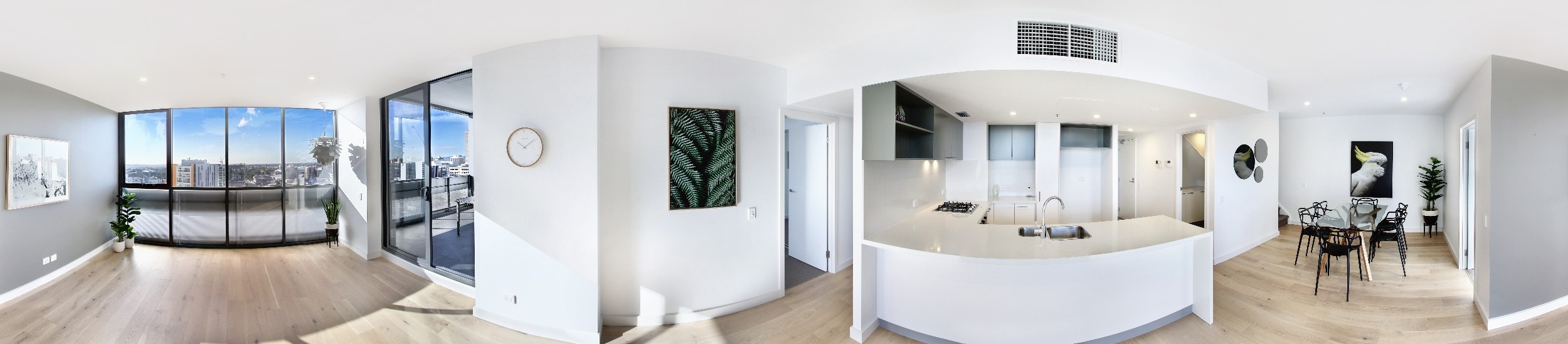
A: We are Specialists in offering HD Virtual Tours, HD Photography, Aerial Photography, Corporate Photography, Advanced Floor Plans, 3D Walk-Throughs, Professional Voice Overs, Photo Image Retouching & Virtual Furniture placement for the Real Estate & Commercial Business sector.
A: The days of using just photographs on their own on a website are not enough anymore in today’s world of rapidly changing technology, just as watching family slide shows on the wall at home are a thing of the past, savvy consumers now want more, they want a fully interactive experience. Home and Business owners are realising that the internet is where their customers are and the preferred method of choice for finding a Home, Business or Service and it’s important to stand out in the crowd, impress and captivate…We can achieve this for you. Instead of relying on your customers to come to your Home or Business, you can now take your Home or Business direct to the customer 365 days 24/7 right from the comfort of their own home or smart-phone & tablet device.
A: The two most important aspects of any virtual tour are 1) The ‘Quality of the Presentation’ (software display & capabilities) and 2) ‘Image Quality’. We recommend you do a simple comparison and you will see for yourself why we are at the cutting edge of both. HD Virtual Tours & HD Photography is our core business and we are a specialist in this field. Our photographers are highly trained and experienced in advanced image capture and post processing techniques. Please see our 20 Reasons why you should choose a Melbourne iTour virtual tour. We continue to provide support and build up a long lasting relationship with our clients, whom we value greatly.
A: Yes, the tours are all HTML5 compatible.
A: Yes, this is just one of the many advanced features of the best tours available
A: It depends on the size and requirements of your tour, we are competitively priced and offer POA (price on application). We will research your home or business, assess your needs and submit all the necessary information and quotation for you at no obligation.
A: Virtual Tours are typically processed within approx 48-72 hours of being photographed. There may be a delay if your tour is shot over the weekend.
A: It depends on the size of your Home or Business and whether you are ordering HD Virtual Tours, HD Photography or both as a package. We will fit in with your schedule and minimise interruptions.
A: You do, we extend the copyright to all clients and will utilise the images ourselves to promote your Home or Business.
A: Your virtual tours will each expire after a one year time frame, with the first year free. Each virtual tour is then renewed by us with a 1, 2 or 5 Year Hosting Option to keep your Business online to the world or we can provide the Remote Hosting Files for you.
We will provide you with a Hyperlink to your virtual tour and an Embedding Code should that be your preferred method, or we can provide you with the Remote Hosting Files, so you can load the virtual tour to your own or any chosen server and be in control.
A: We will also provide you in addition to your virtual tour, a Video Version of your tour to upload to places like YouTube for further valuable exposure, as well as a QR Code of the tour to place on all your printed material. In addition to this, we will provide you with the most comprehensive weekly statistics available, so you can track the increase in traffic to your website.
A: Yes, up to 50 photos, In fact because our tours are the most advanced tours available, you can have the following features: Advanced Colour 2D & 3D Floor Plan Designs, 3D Walk-Throughs, Voice Overs, MP3 Files, HD Photos and Images, Advanced Slide Show Presentation, Maps, Satellite Location and your Corporate Branding, plus so much more.
A: The tour window supports 30 scenes in any combination of full 360, partial 360 and Video files. In addition to this you can add an interactive Floor Plan as well as your Brochures, URL Links, or Hot Spots, this is why we have the most advanced and best tours available. See our flyers for a full range of product capabilities.
A: Yes. It is possible to exceed the 30 scene limit. Talk to us regarding affordable additional prices.
A: No. If you change your contact information, you simply need to let us know within a period of 20 days and we will update the changes in your online profile free of charge. All of your tours will automatically update and the existing Links, Files and Embedded Codes to the tours will remain the same.
A: No. There is no additional charge for the setup of Real Estate tour templates.
A: Royalty-Free MP3 audio clips are available. Talk to us about uploading your own MP3 files, or if you would like a professional voice over attached to your tour for further impact, we can also offer this service to you. See our Voice Over Page
A: Yes. You can have both a link to schools as well as a link to city information on each of your tours.
A: Yes. The Fusion virtual tours are the most advanced virtual tours in the world currently and have this feature built in amongst many others. See our Fusion Tour Features on our Website & Fusion Tour Info Brochures or these can be provided to you in a proposal.
A: Yes. You can add an Interactive Floor Plan with a separate on/off feature button on the tour screen window or you can include a floor plan as one of your images within the viewing screen on the tour window. Attaching the plan to your itour is included free of charge.
A: Yes. A Google Map Link to the Property or Business is automatically generated.
A: Sure, just send us an email or phone us directly and it would be a pleasure to help, you can find our contact information here.